About 360° Surveys
360° surveys are a fantastic way of getting feedback from everyone around you, whether that be your line manager, the CEO, those reporting to you, or even people you work with outside of your organisation.
You can tailor the survey to ask for feedback on whatever you like. Common examples include Communications, Leadership, Negotiation, Influencing, Teamwork, etc, etc. Once you've decided what areas to ask for feedback on, then you simply ask those around you (whose opinion you value) for that feedback.
We've made 360° surveys incredibly easy to run, just follow these simple steps to get started.
-
1. Create The Survey
-
2. Select Categories
-
3. Select People Providing Feedback
-
4. Send Out The Survey
-
5. Collate The Responses
1. Create The Survey
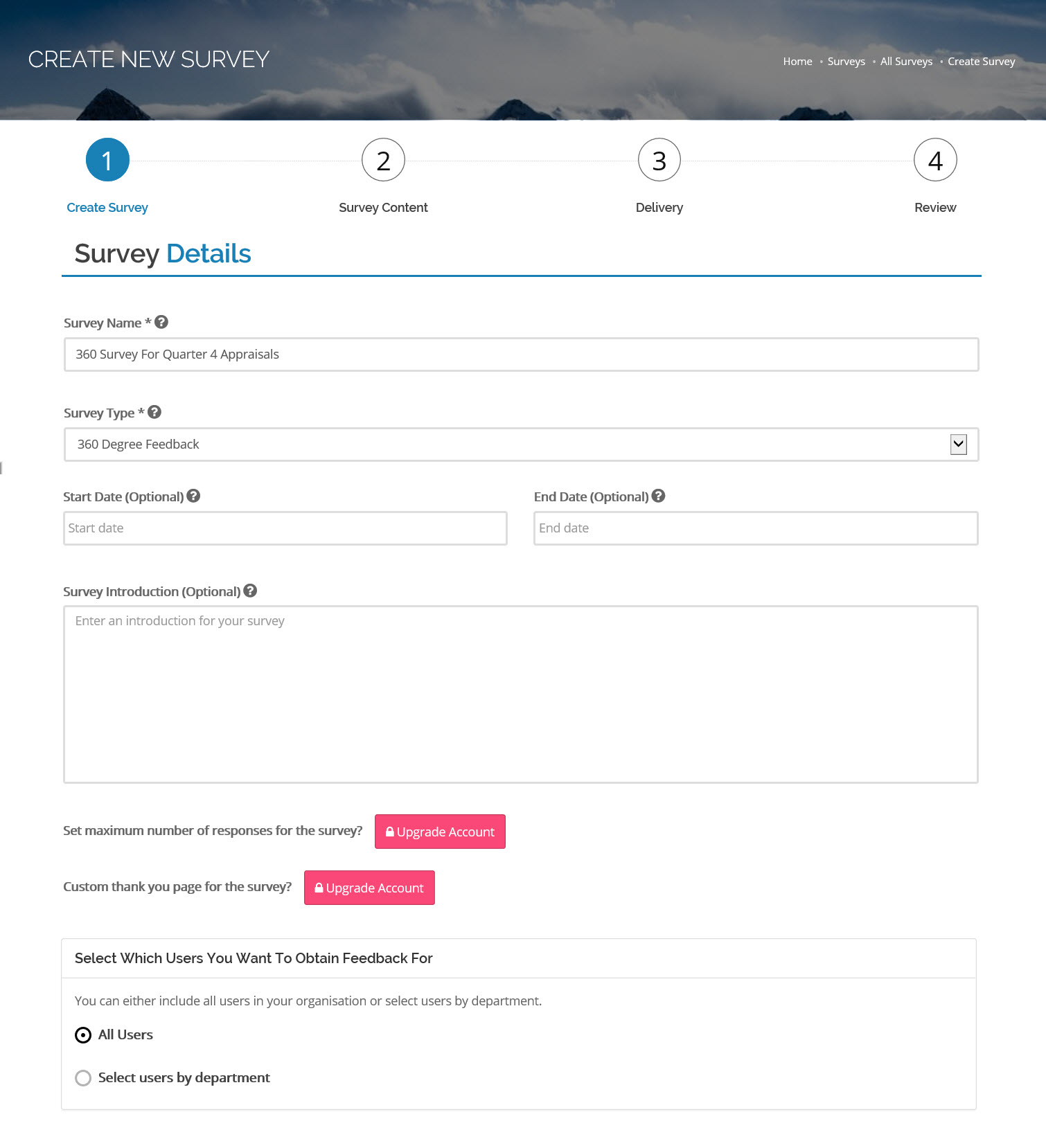
- Select which employees are asking for feedback. You can select all employees, pick employees by department or individual employees.
- All out surveys have optional start and end dates. If you enter a start date, then no feedback can be provided until that date. Similarly, if you enter an end date then no feedback can be provided after that date.
- You can provide some instructions or an introduction which will be displayed to all people providing feedback.
2. Select Categories
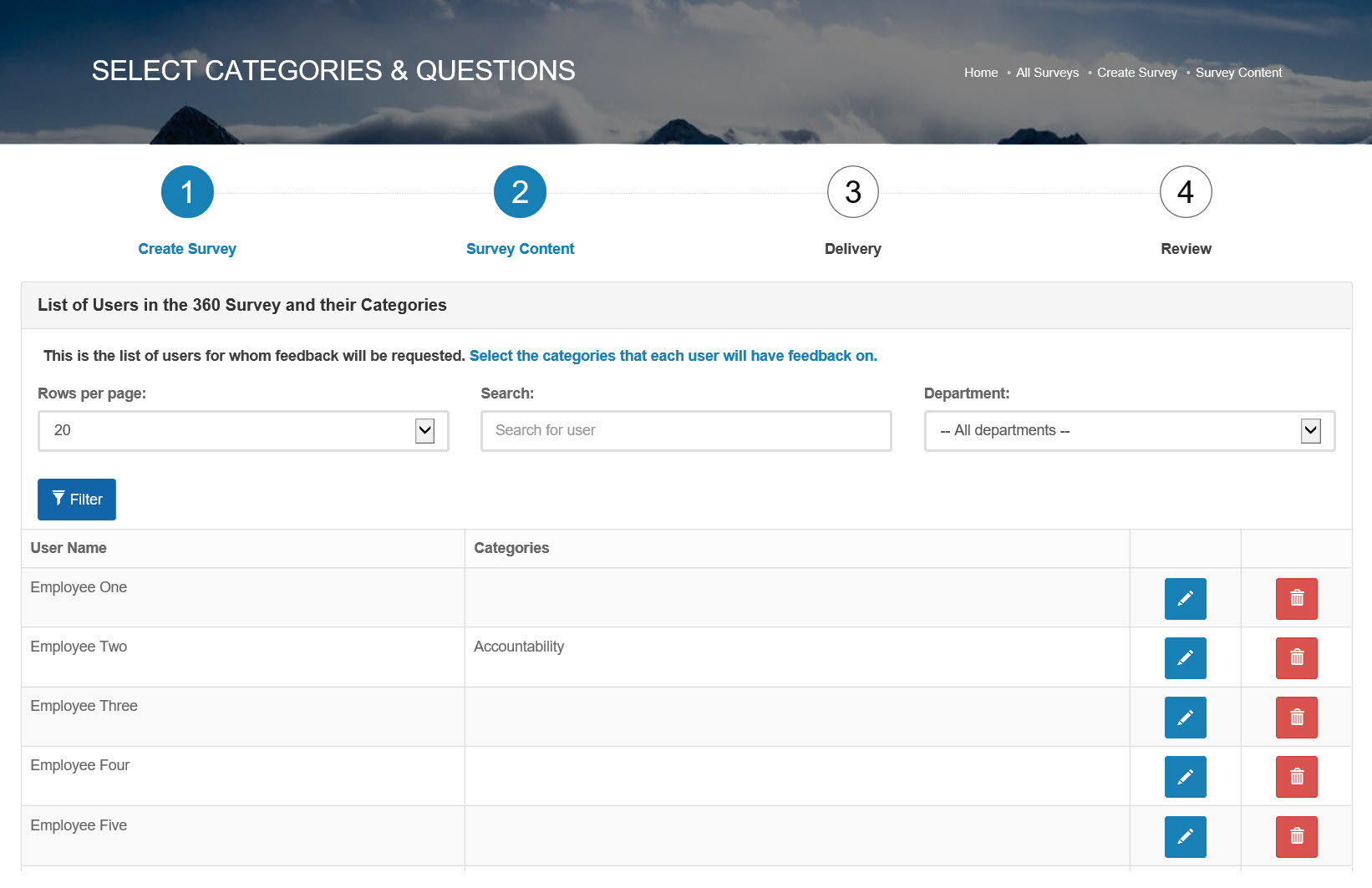
- Select the behaviours, personal attributes, categories, or anything else that you want feedback on. Examples include leadership, presentation skills, negotiation skills, written communication style.
- You can customise the list of categories within FeedbackRiver so you can literally ask for feedback on anything.
- Within each category you have a list of specific questions. Again, you can use our library or customise the list to suit your needs.
3. Select People Providing Feedback
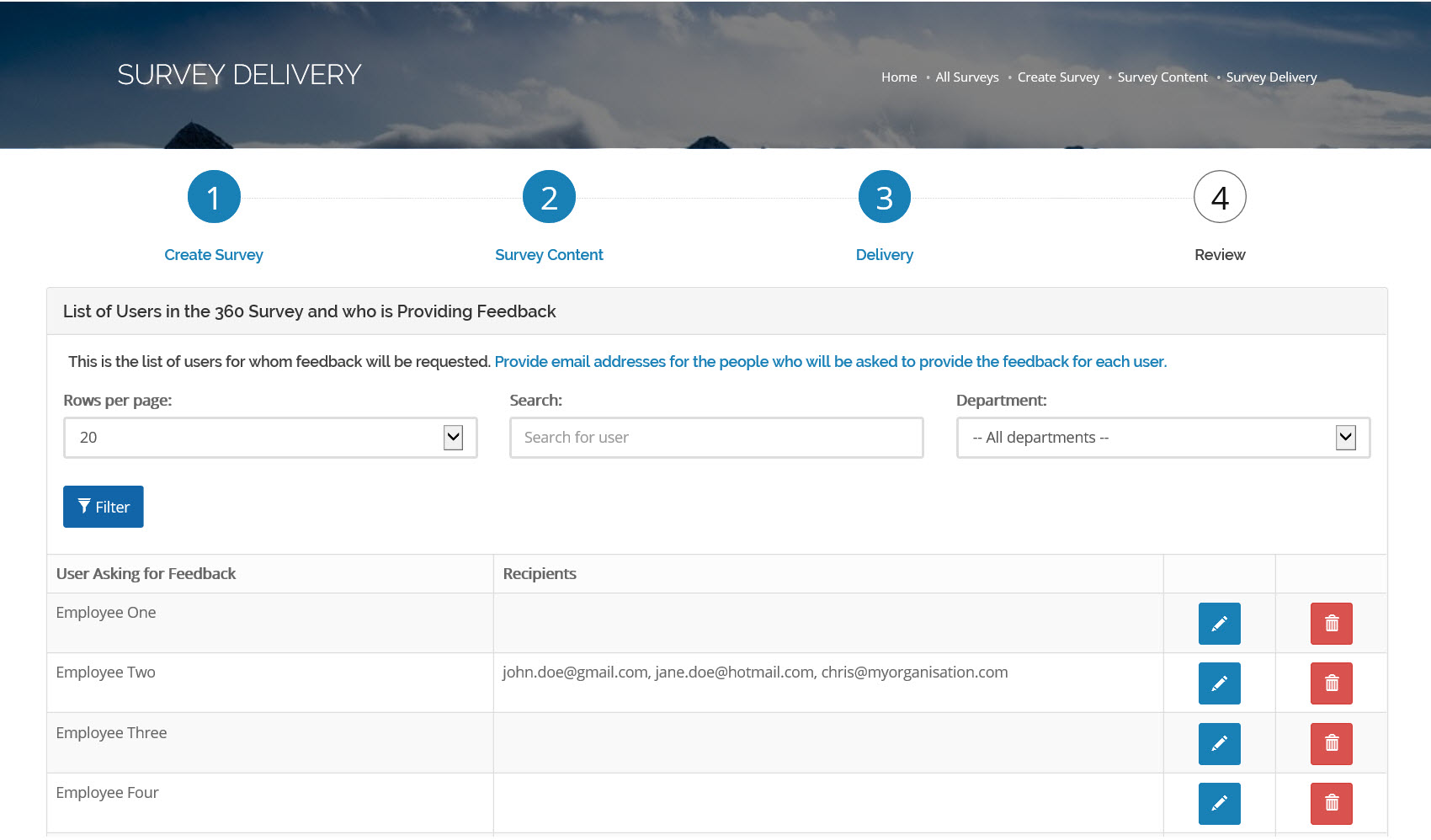
- Next you need to decide who you would like to ask for feedback.
- This can be anyone from the CEO, your line manager, the people reporting to you or even the janitor!
- You don't need to limit yourself to people inside your organisation - we only need a valid email address to get feedback for you.
4. Send Out The Survey
- Once you've decided what you want feedback on and who you want to provide the feedback then you leave the rest to us.
- Each nominated person will receive an email with instructions on how to give feedback.
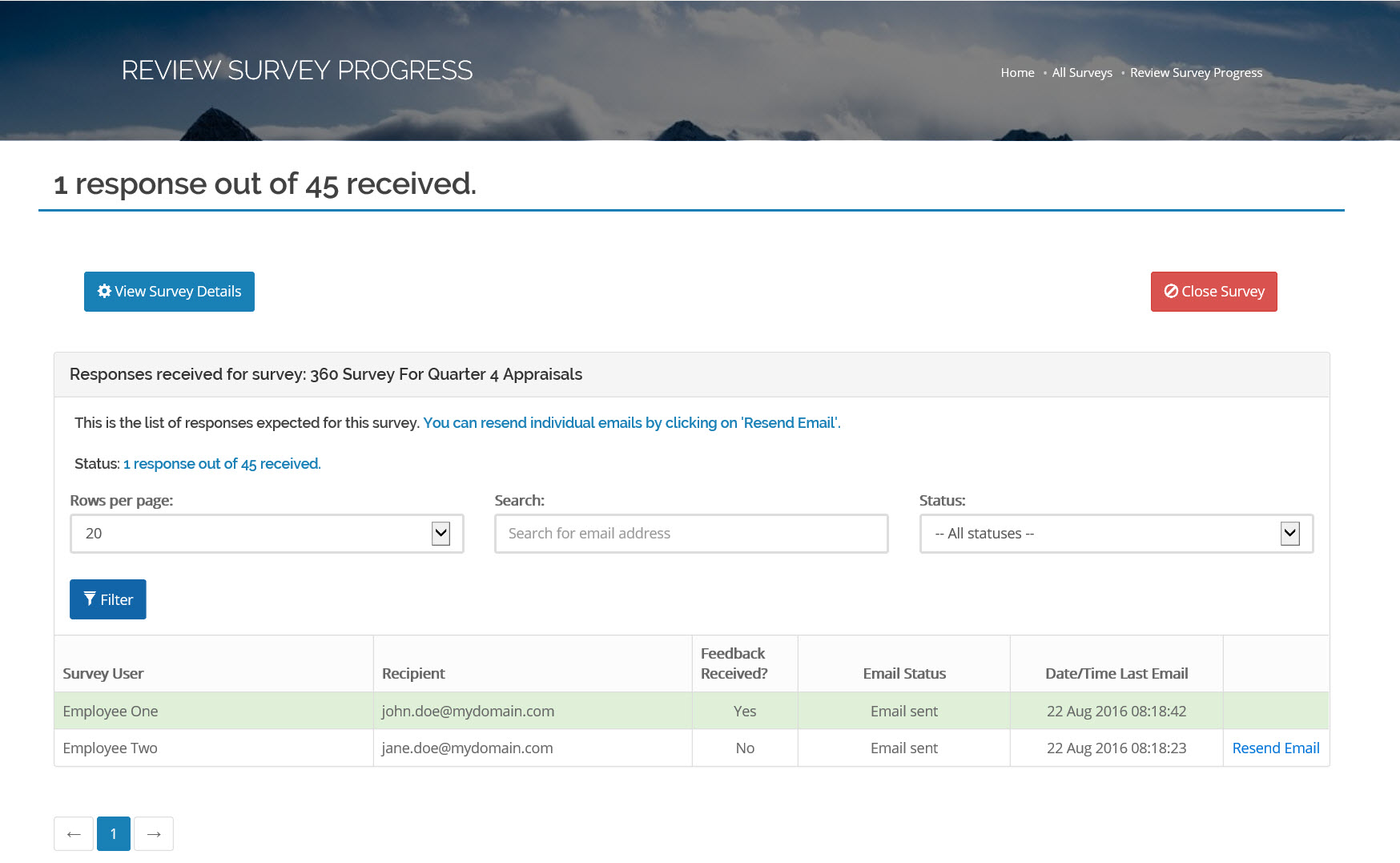
- You can keep track of the survey and see who's provided the feedback and who hasn't.
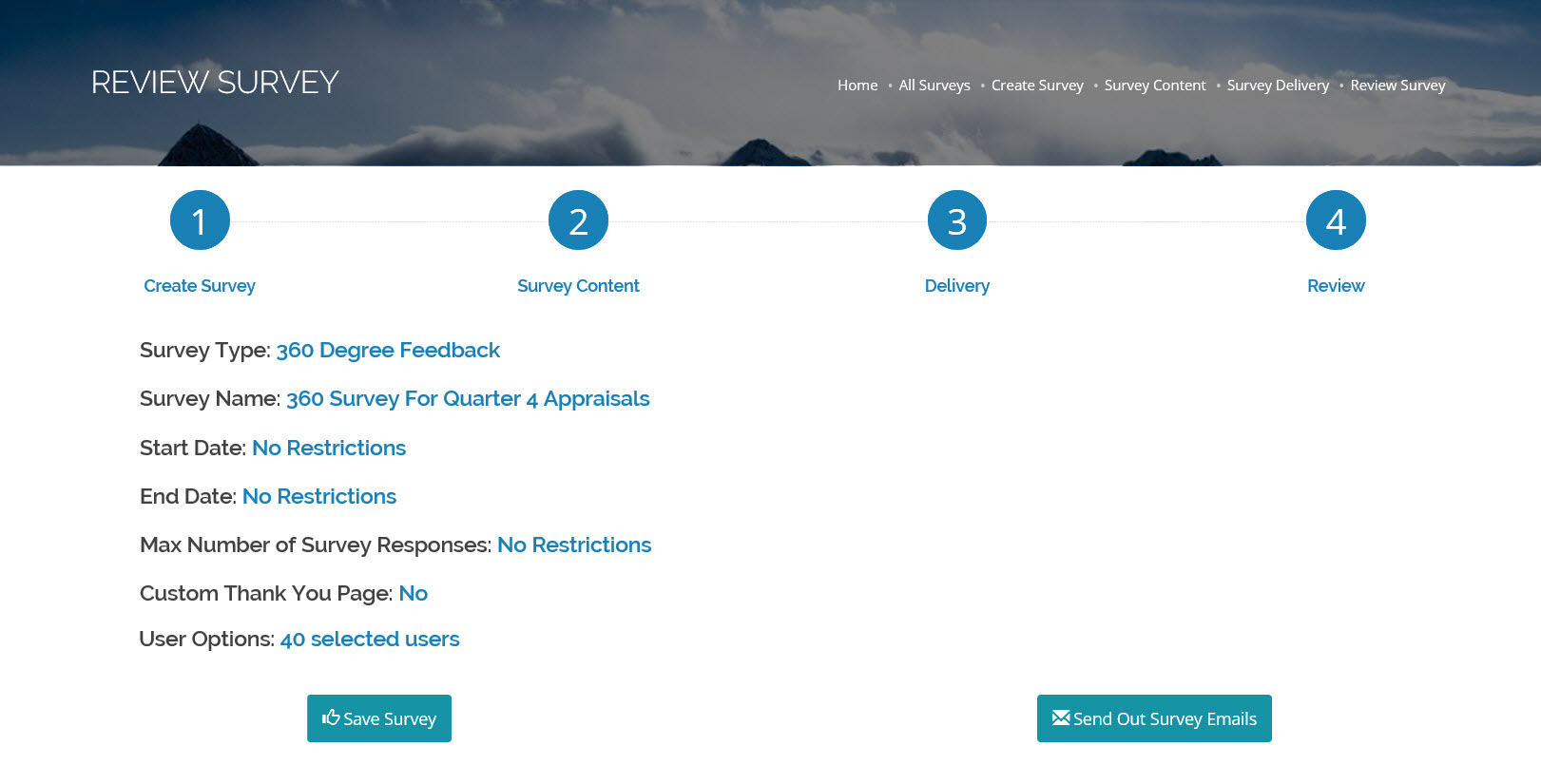
5. Collate The Responses
- When you're ready, or when everyone has given their feedback then you can close the survey and collate all the results.
- The feedback is anonymous so people providing comments can be entirely truthful.
- You can then use our reporting and analysis engine to look at the results.